
Having trouble logging in to Business.NJ.gov?
Last updated Nov 5, 2025
If you have multiple myNewJersey accounts, use the email linked to your business.
You need a myNewJersey account to log in to account.Business.NJ.gov. myNewJersey is a platform used by different government agencies in New Jersey.
To link your myNewJersey account to account.business.nj.gov:
Make sure you're logged out of all other MyNJ accounts across your browser.
Open an incognito browser.
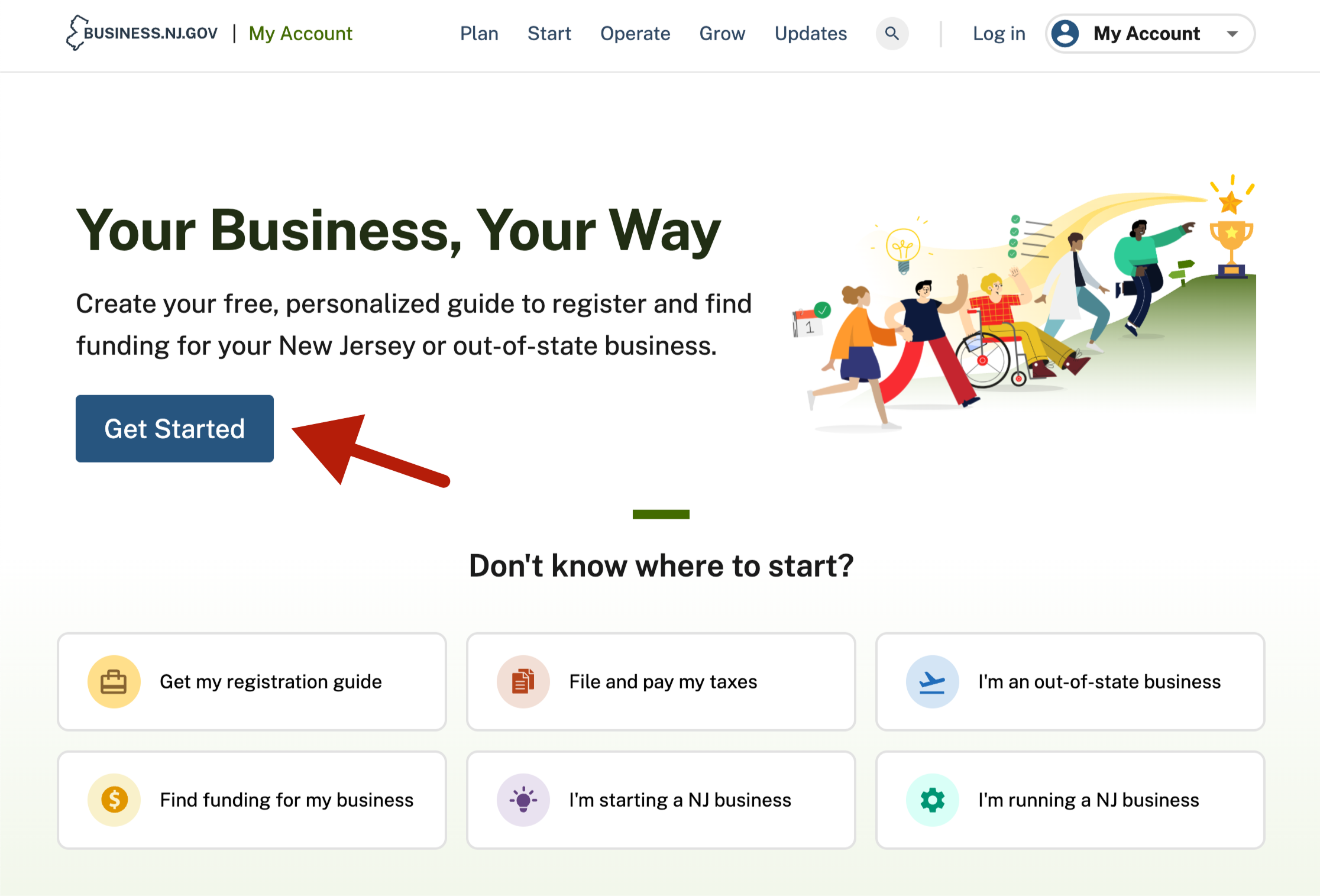
Go to https://account.business.nj.gov/ and click on the "Get Started" button.
Answer the "Tell us about your business" question and click "Next."
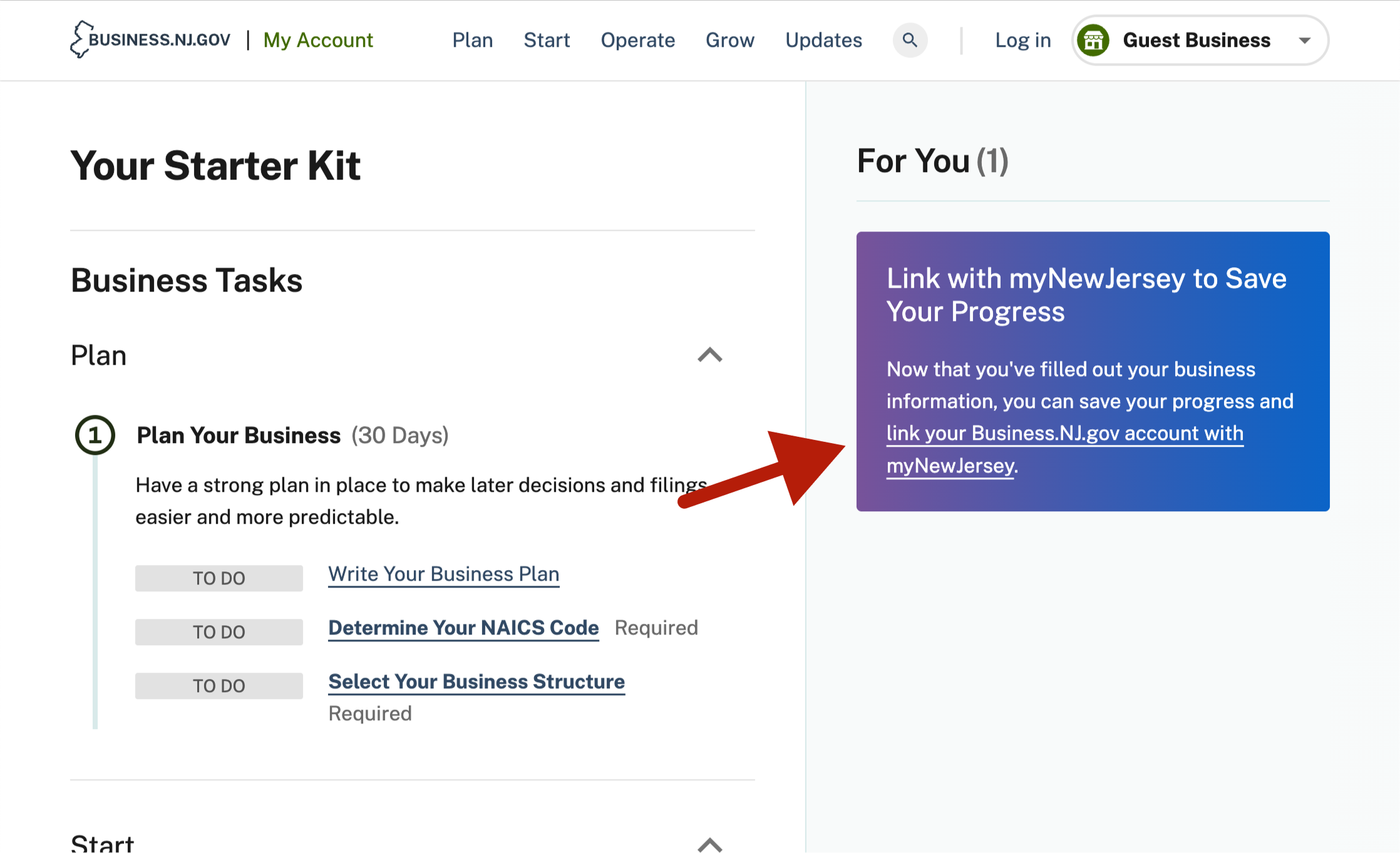
Once you're on the dashboard, click on the link in the purple card on the right side of your screen.
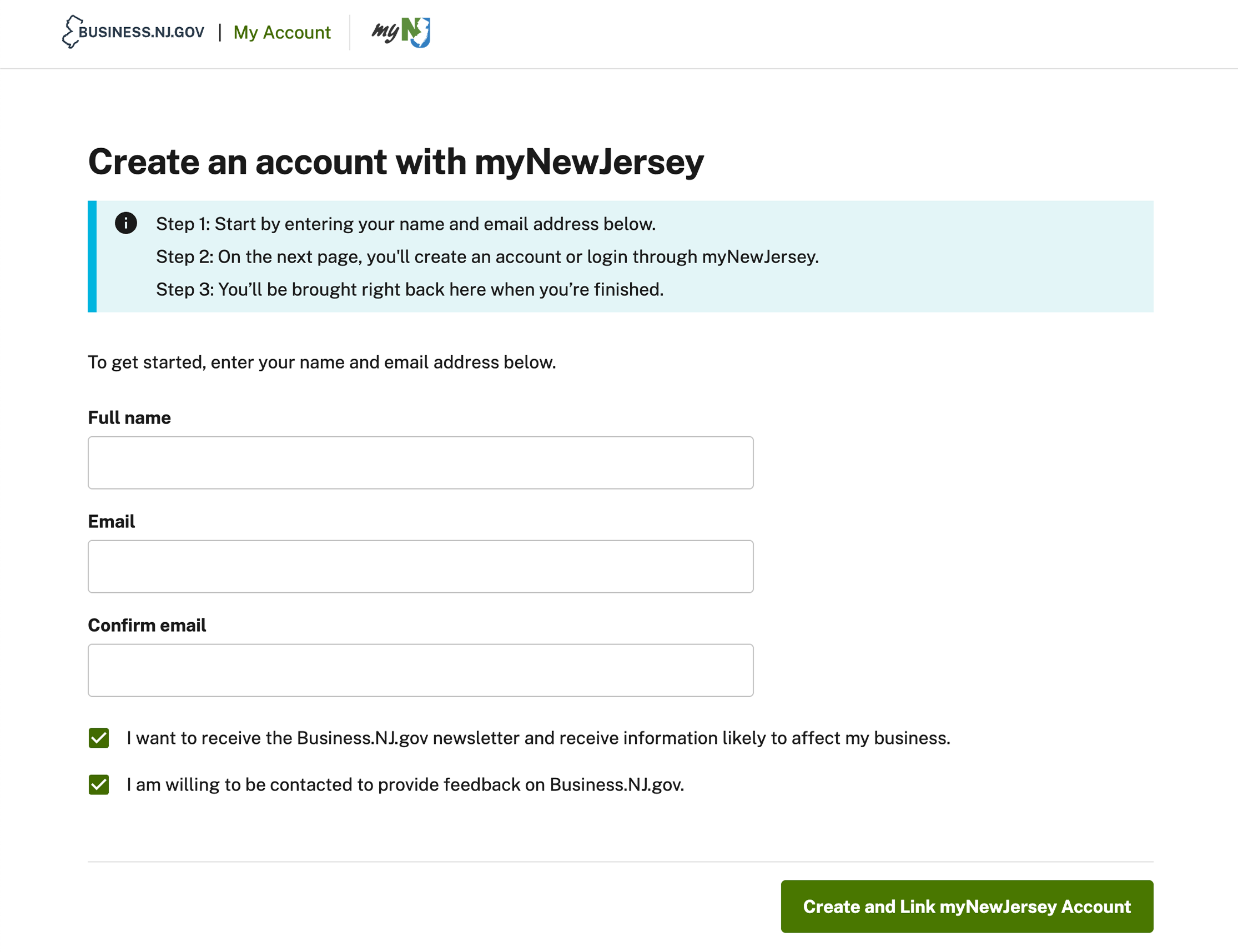
Fill out the email information on the next screen, then click "Create and Link myNewJersey Account." Clicking this link will take you to our partner site, https://my.nj.gov.
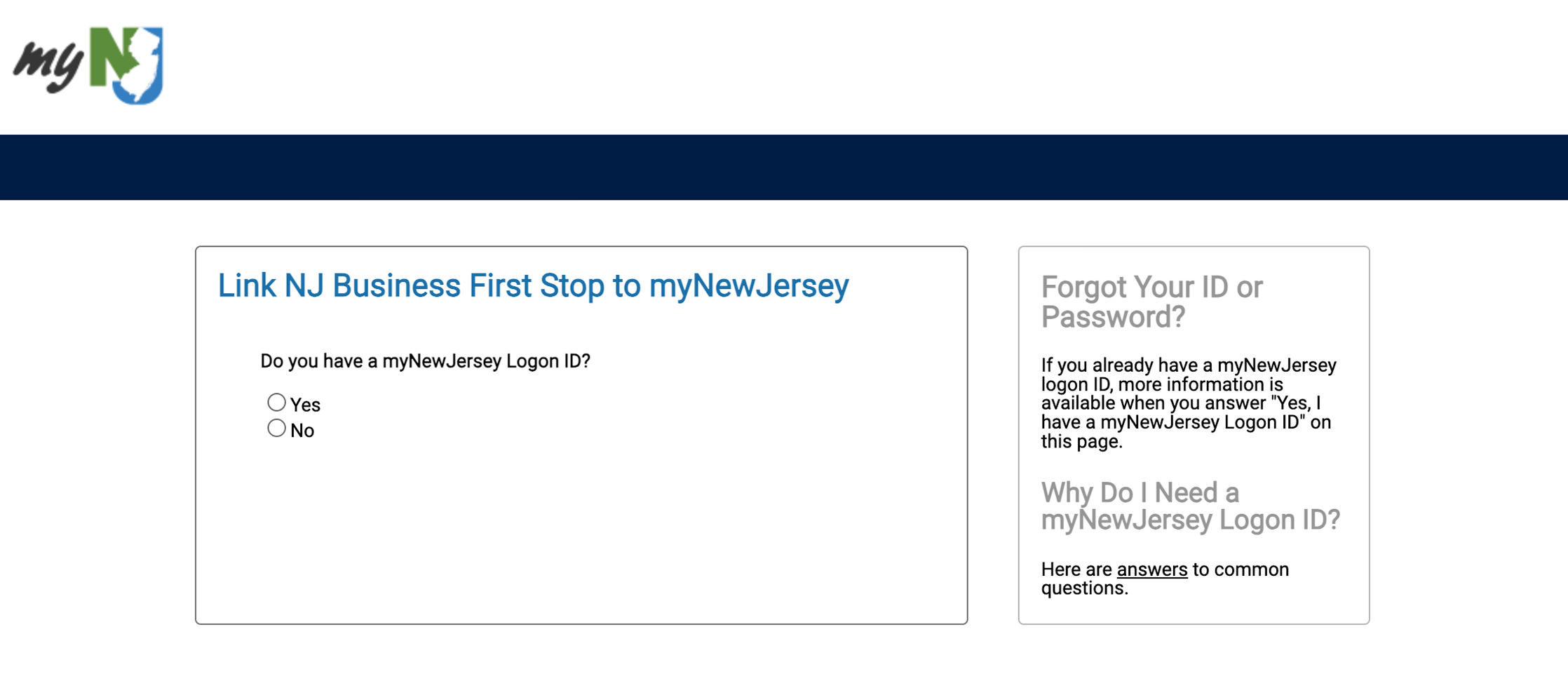
Follow the prompts to link your existing myNewJersey account. If you have not created an account through myNewJersey yet, create one now.
Dedicated Business Experts ready to help
Still having issues? Chat with a business advocate based in New Jersey.